Testing ECU data
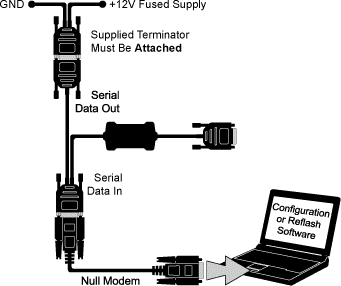
1. Connect the CAN Adaptor to the laptop as per the diagram below.
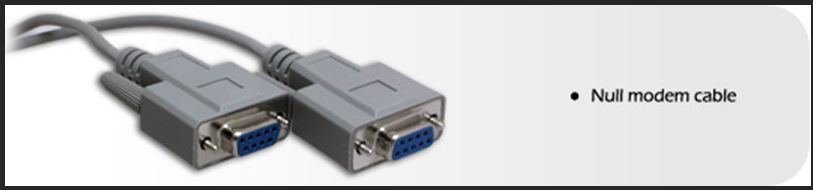
The CAN Adaptor will have been supplied with Null Modem cable.
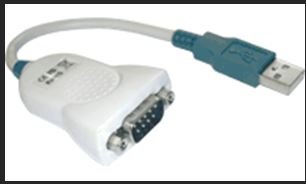
Also be aware that you may need a USB to Serial Adaptor:
2. Open Live Monitor from the Race Technology V10 program launcher:
3. Go to Display & disable all options except for Show data table:
4. Power up the system.
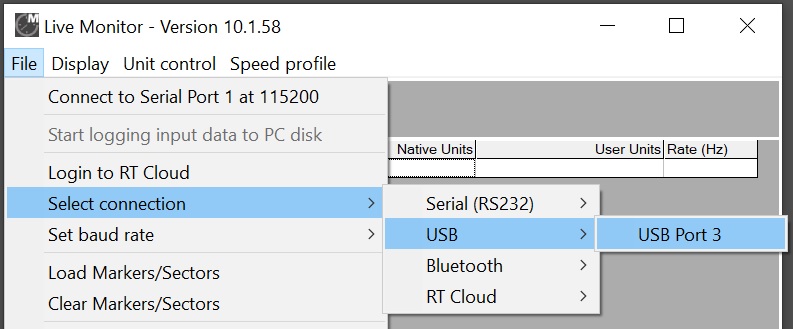
5. Go to File > Select connection > select the port the equipment is connected to.
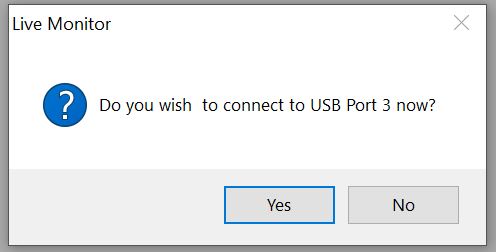
6. Click Yes when it asks you if you would like to connect to the selected port:
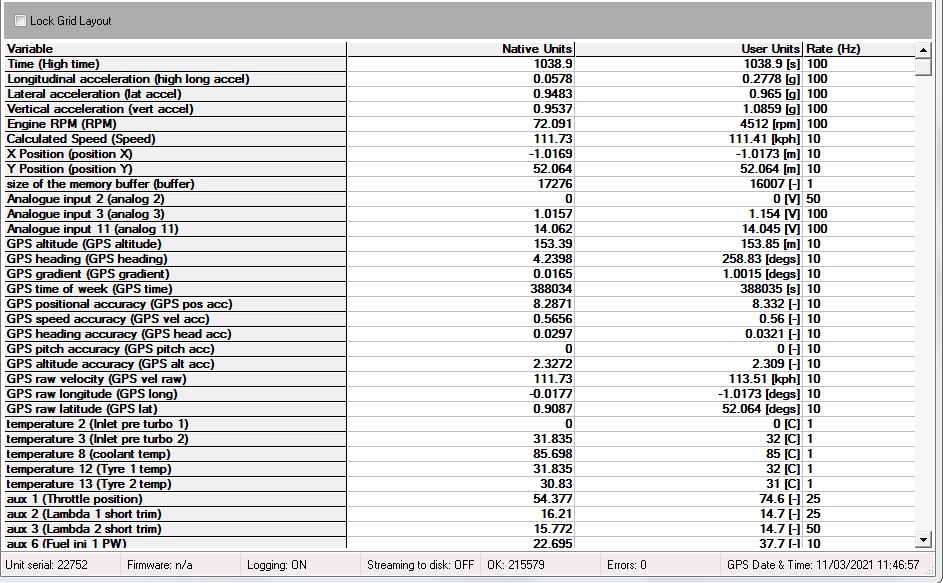
7. At this point you should see the data displayed on the table as below.
8. if the table is empty or if you see any other issue with the displayed data, please inform Race Technology with the follwoing details:
- Screenshot of the Live monitor application (Make sure to capture the staus bar at the bottom of the application which displayes OK and Error counters)
- Any other related information that will help us to inspect the issue.
 My basket |
Checkout |
Add to email list
My basket |
Checkout |
Add to email list




 Edit
Edit History
 Print
Print Download (.HTML)
 PDF
PDF