Changing V10 variable names for all applications
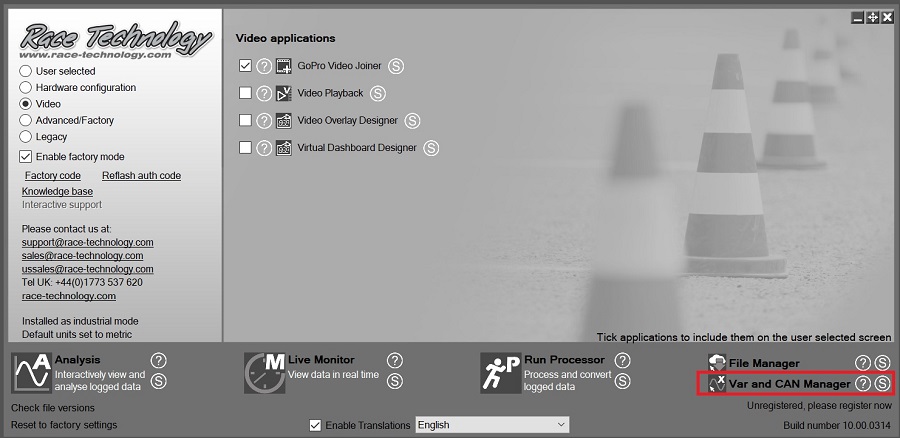
1. Open the Var and CAN Manager from the Race Technology program launcher:
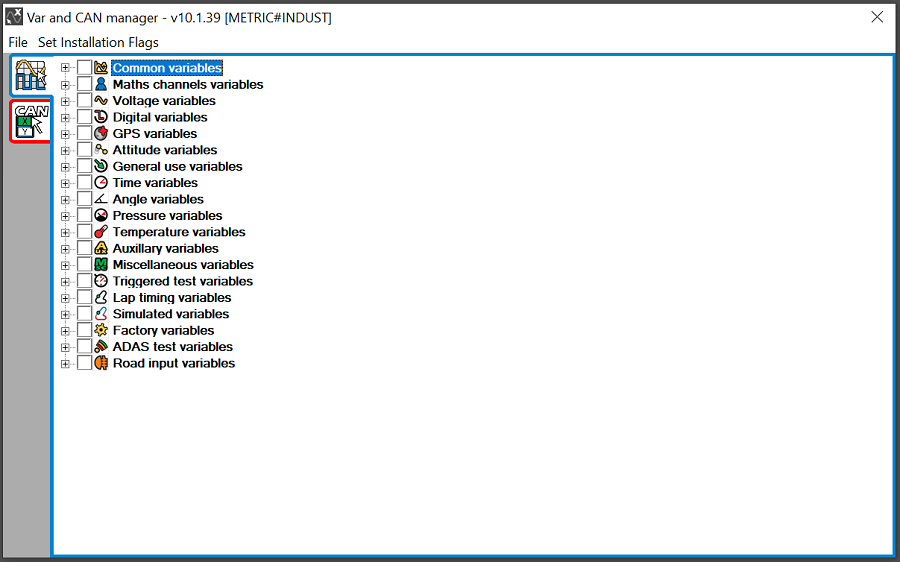
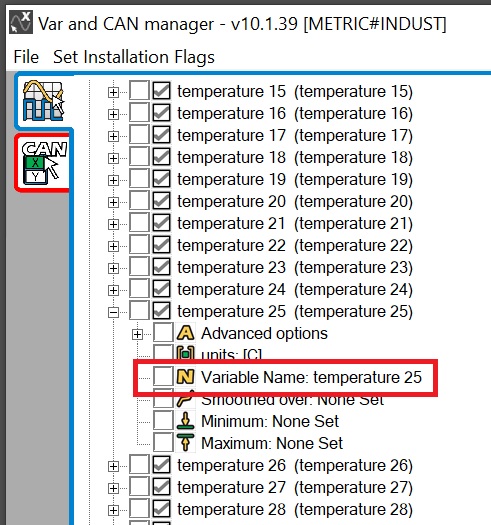
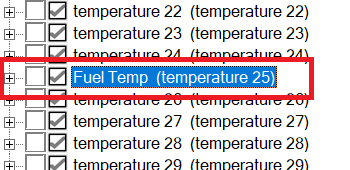
2. Locate the variable you want to change the name of, for example Temperature 25 (temperature 25) then click on Variable Name:
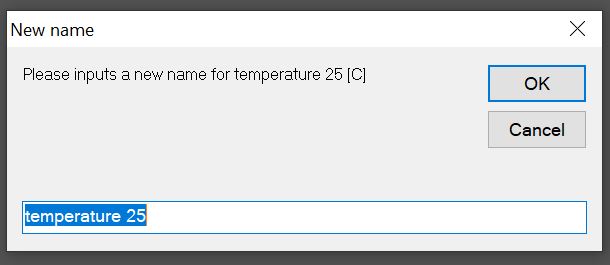
3. Enter the new variable name (for example - "Fuel Temp") and press OK to apply the change:
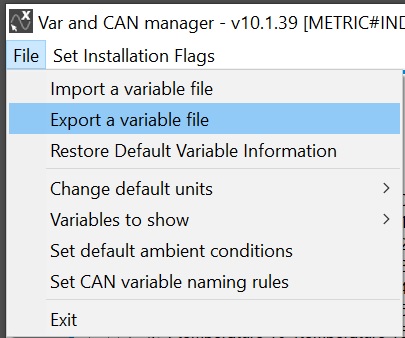
4. You can backup and restore your variable settings using the "Export" and "Import" commands. To export all variables with their settings to a file, use the command "File > Export a variable file":
 My basket |
Checkout |
Add to email list
My basket |
Checkout |
Add to email list




 Edit
Edit History
 Print
Print Download (.HTML)
 PDF
PDF