Converting voltage to fuel level
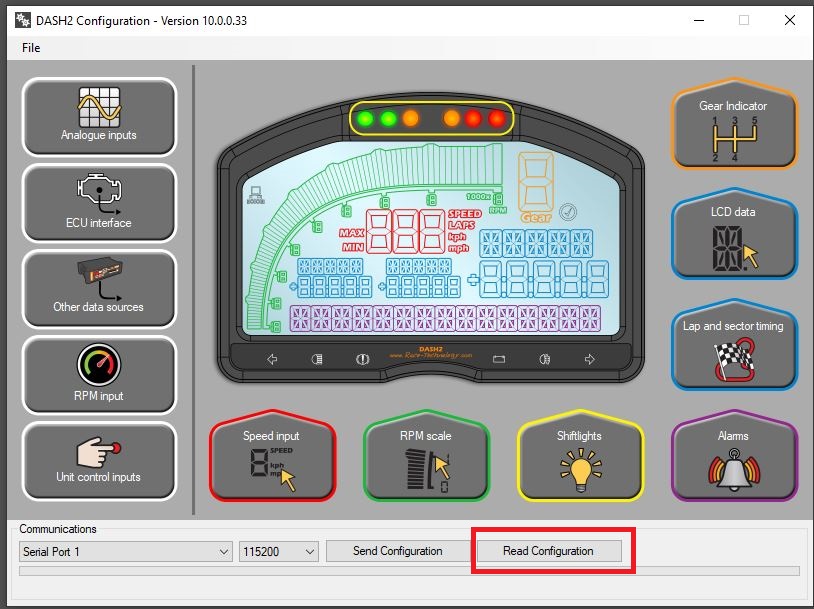
1. Read back the configuration from the DASH2 to aviod over-writting any previous settings.
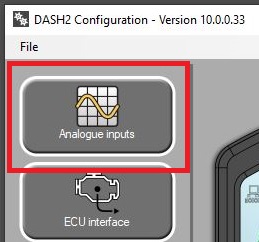
2. Open the Analogue inputs:
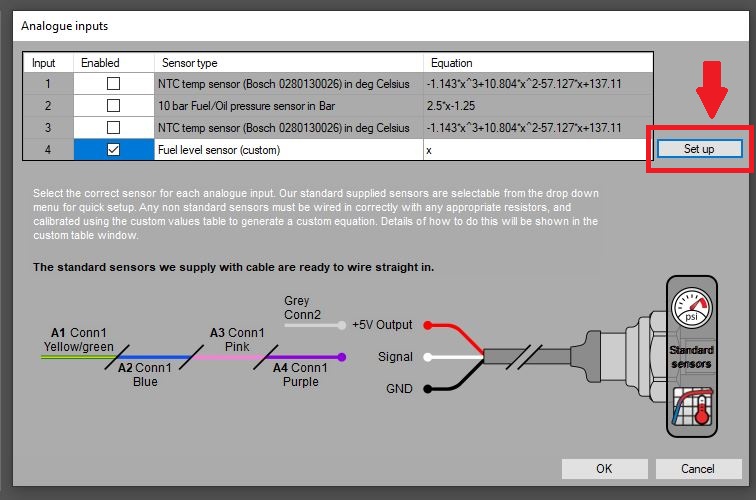
3. Enable the analogue input the fuel level sender is connected to, map the sensor type to Fuel level sensor (custom) and click Set up:
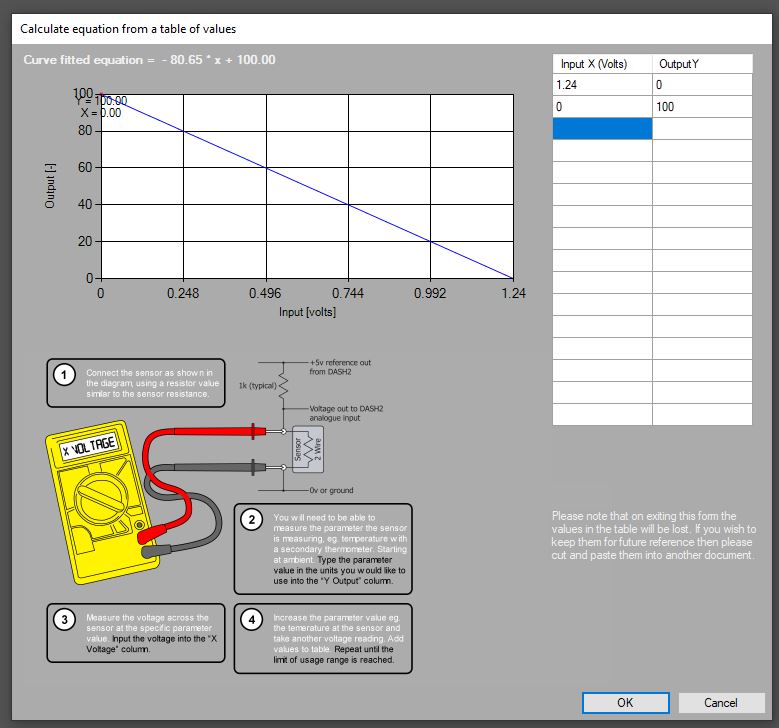
4. Enter the voltages vs fuel level values into the lookup table and select OK on the table and analogue input windows:
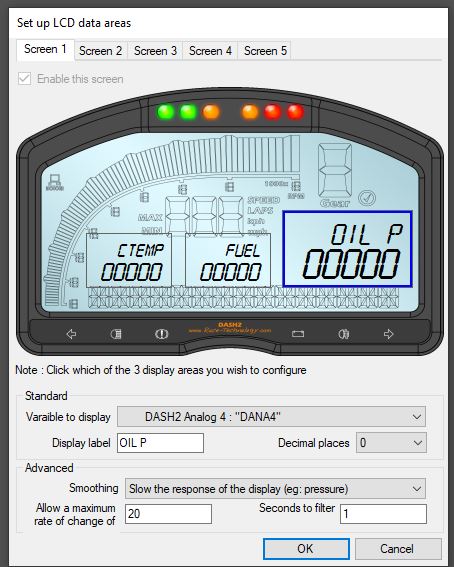
5. Open the LCD data section:
6. Select a screen and area on the LCD screen to display the fuel level:
7. Send the new configuration to the DASH2.
 My basket |
Checkout |
Add to email list
My basket |
Checkout |
Add to email list




 Edit
Edit History
 Print
Print Download (.HTML)
 PDF
PDF