Setting up alarms in DASH2
Before making any changes to the DASH2 unit, read back all settings of the DASH2 unit to avoid over writing the current configuration (steps 1 to 4).
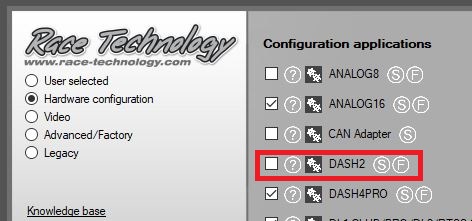
1. Open the DASH2 configuration tool.
2. Connect the DASH2 to the PC.
3. Select the DASH2 communication port in the communications drop down box.
4. Power up the DASH2 & click the Read Configuration button in the configuration tool.
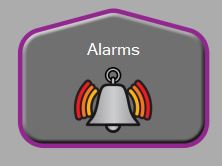
5. When the current settings have been read from your DASH2, open the Alarms section:
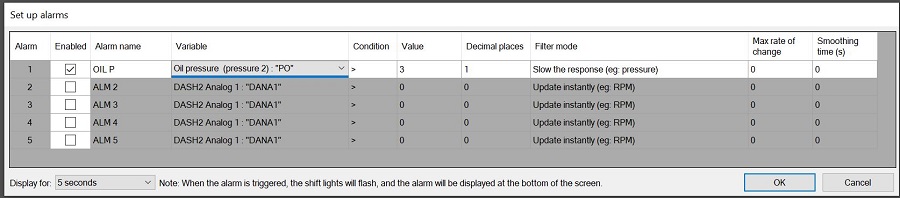
6. Set up the alarm you want, here is an example of a low oil pressure alarm, activating when there is less than 3 Bar of pressure:
7. Update the DASH2 unit's configuration by clicking the "Send Configuration" button
 My basket |
Checkout |
Add to email list
My basket |
Checkout |
Add to email list




 Edit
Edit History
 Print
Print Download (.HTML)
 PDF
PDF