Re-configuring a CAN Adaptor
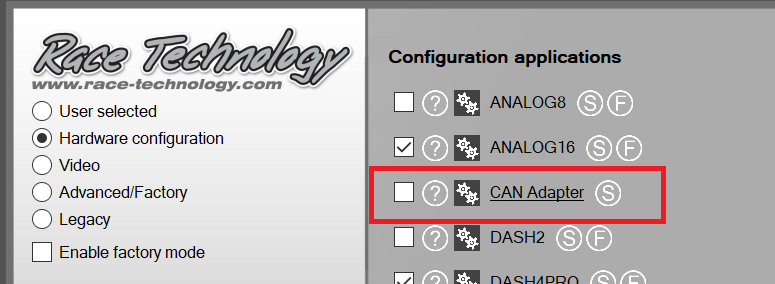
1. Open the CAN Adaptor configuration program from here:
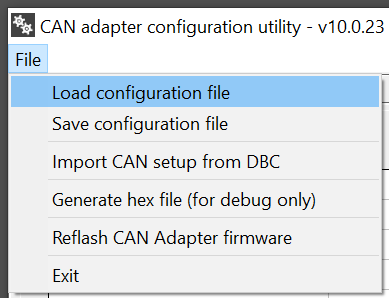
2. Go to "File > Load configuration file" and select the CAN configuration file (.CCF) you received from Race Technology.
3. Select the USB port in the drop down box under Send configuration.
4. Click Send now & on the box that appears click OK.
5. Now you should see a small dialog that ask you to "TURN DEVICE ON".
6. Power up the system, you should see 100% progress appear then the dialog will disappear, this happens rather quickly so keep a close eye on it when powering the system..
7. Now the CAN Adaptor should be reconfigured.
8. Open the Live Monitor & connect to USB port 3.
9. See if any data is present now, if not please make sure the ECU is connected to the CAN Adaptor, as it may have been disconnected to access the ECU mapping software.
 My basket |
Checkout |
Add to email list
My basket |
Checkout |
Add to email list




 Edit
Edit History
 Print
Print Download (.HTML)
 PDF
PDF