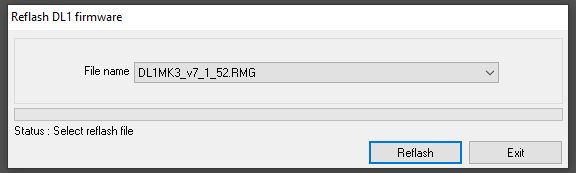
Reflash and upgrade DL1 CLUB to V10 firmware
IMPORTANT:
Upgrading to V10 firmware will completely wipe the current configuration of your units.
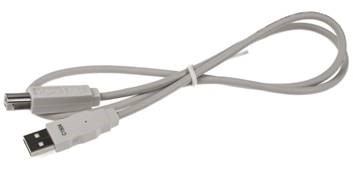
1. Connect the DL1 to the PC via a USB type A to type B cable supplied with the data logger:
2. Power up the unit.
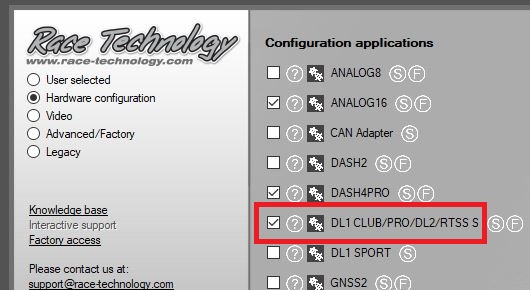
3. Open the DL1 Configuration software.
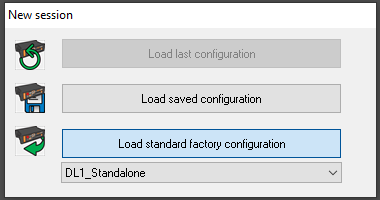
4. Load standard factory configuration as shown below:
5. Open the drop down list in the bottom left under communications and select the correct communications port.
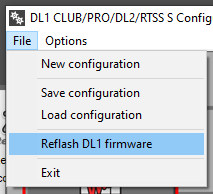
6. Open the "Reflash DL1 firmware" dialog using the menu command "File -> Reflash DL1 firmware".
7. Click "Reflash" to start the firmware upgrade.
 My basket |
Checkout |
Add to email list
My basket |
Checkout |
Add to email list




 Edit
Edit History
 Print
Print Download (.HTML)
 PDF
PDF