Saving DASH2 PRO unit's configuration to a file
1. Connect the DASH2 PRO to the PC via the USB connector on the wiring harness.
2. Power up the unit.
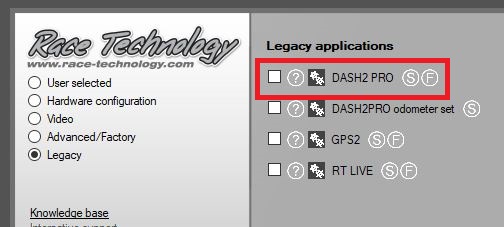
3. Open the DASH2 PRO configuration utility:
4. Use the Communications drop down box (bottom left corner) to select the USB port.
5. Click Read Configuration:
6. Wait from the configuration to be read back from the dash.
7. Go to File > Save Configuration:
 My basket |
Checkout |
Add to email list
My basket |
Checkout |
Add to email list




 Edit
Edit History
 Print
Print Download (.HTML)
 PDF
PDF