Log DASH2 Analog Inputs
This section explains how to configure the DL2 FD to receive DASH2 analogue channels.
1. Configuring the DL2 FD to expect the messages on the serial port
- Open the DL2 FD configuration software
- If you already have a configuration for the DL2 FD, load in the relevant configuration.
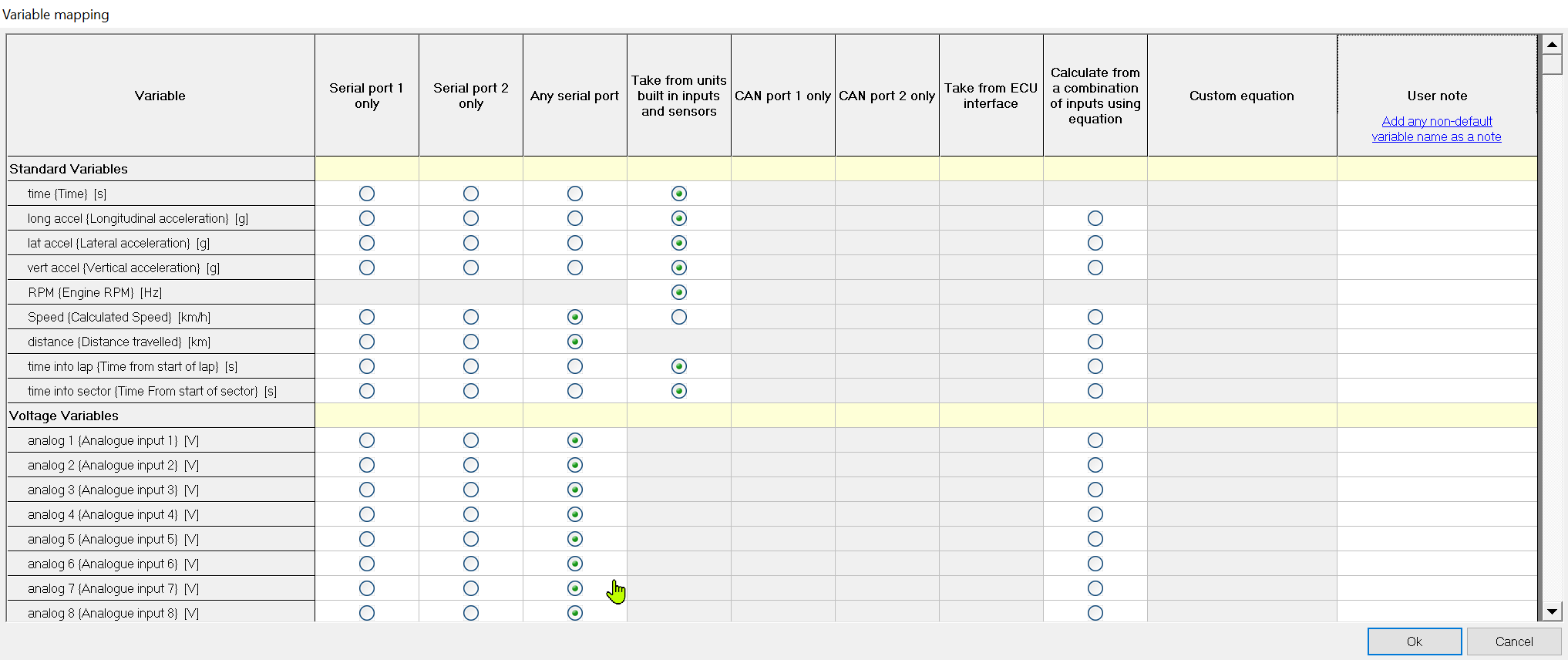
- Click on the ‘Variable Mapping’ tab.
- Set Analog 17-20 to be from Serial Port 1 Only:
If you wish to take RPM data from the DASH2, scroll up and set the RPM to also come from the same serial port. If the option is greyed out for taking RPM data from the serial you will first need to disable the internal RPM sensor on the DL2 FD.
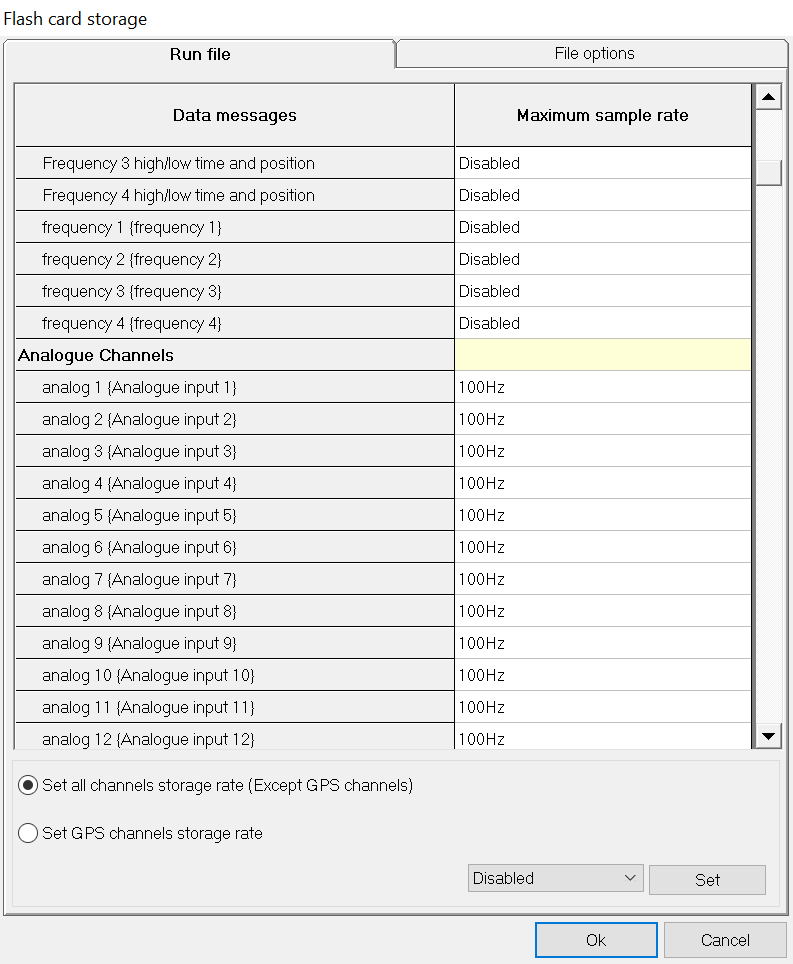
2. Set the storage rate for the data on the Flash Card Storage tab
3. Save the configuration file and transfer it to the DL2 FD.
 My basket |
Checkout |
Add to email list
My basket |
Checkout |
Add to email list




 Edit
Edit History
 Print
Print Download (.HTML)
 PDF
PDF