Add groups
Groups dialog is used add new groups to your design. (View -> Groups)
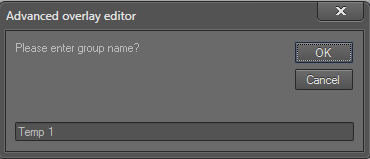
1. Click the Add button next to the group drop down list to open the "Add grups" dialog:
2. Type the group name and press "OK" to add the new group to the overlay:
Note: Group names can have spaces and numbers.
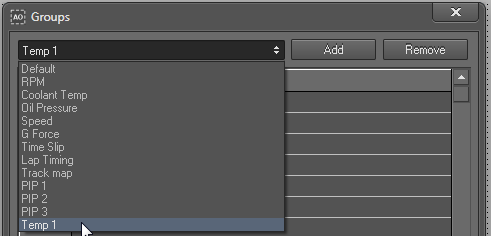
3. The new group will be listed in the group drop down:
 My basket |
Checkout |
Add to email list
My basket |
Checkout |
Add to email list




 Edit
Edit History
 Print
Print Download (.HTML)
 PDF
PDF