How do I Calibrate a non-RT sensor, using the analysis software?
You will need to know the values for the sensor, before this can be achieved.
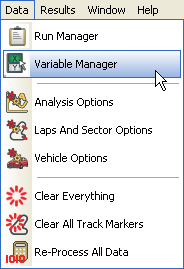
Enter the Data menu and select the "Variable Manager".
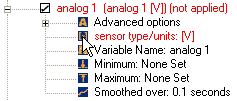
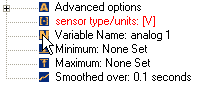
Select the "sensor type/units" option for the appropriate analogue channel.
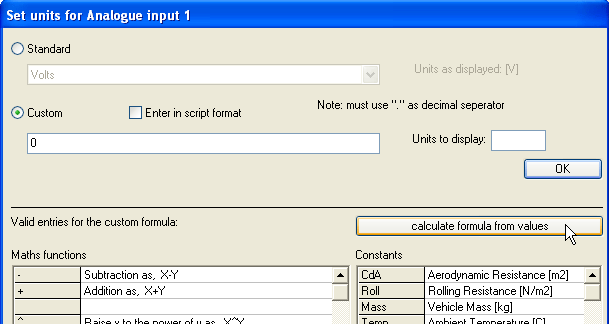
This will open up a window. Click on the "calculate formula from values" button.
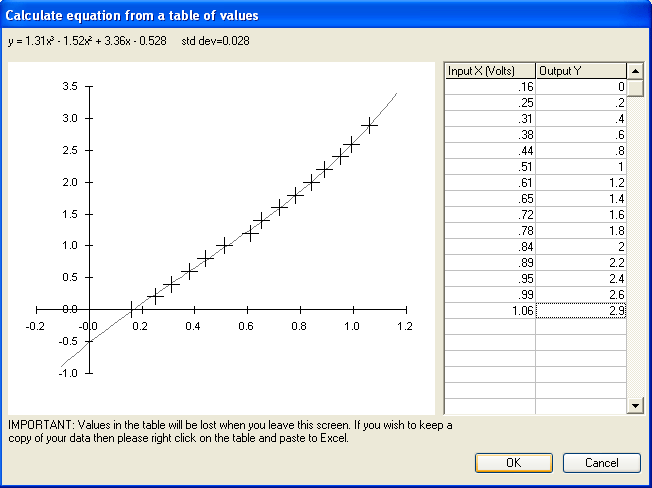
This will open a further window. Fill in the table, on the right hand side of the window, with the input and output values of the sensor. As you do this, a graph will be plotted.
When all of the values have been entered, press "OK".
A formula will now have appeared in the "sensor type/units" window.
(1.31430394) * x^3 + (-1.5198444) * x^2 + (3.36466601) * x + 0.528
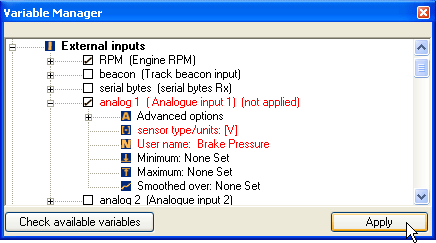
Return to the main window of the Variable Manager,
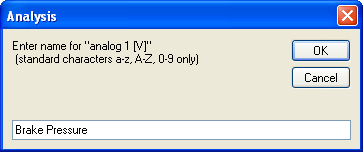
and use the appropriate option to name the sensor.
Finally, press the apply button in the bottom, right hand corner of the window to apply your changes.
 My basket |
Checkout |
Add to email list
My basket |
Checkout |
Add to email list




 Edit
Edit History
 Print
Print Download (.HTML)
 PDF
PDF