How do I display a track map ?
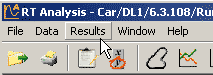
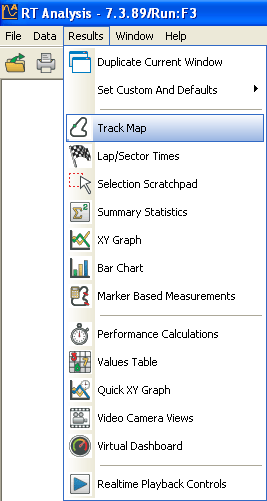
step 1: Having loaded a run, go to the results menu at the top of the screen.
step 2: Select the track map option.
step 3: A map of the track, created from the data, will now be brought up on screen.
step 4: The toolbar along the top of the map will allow you to adjust your view, by zooming in or out, rotating the map, or allowing you to pan across it.
 My basket |
Checkout |
Add to email list
My basket |
Checkout |
Add to email list




 Edit
Edit History
 Print
Print Download (.HTML)
 PDF
PDF