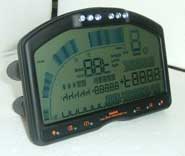
How do I re-flash my DASH2?
By re-flashing your DASH2, the latest software will be installed onto it. Typically, this is only required when requested by the factory to address an issue in the firmware. Note there is a small risk when re-flashing the DASH2 that you will corrupt the unit. If you are re-flashing the unit following an instruction from the factory, then this will be covered within the standard warrantee - if however you are re-flashing the unit without being instructed to then you will be charged for the factory to reset the unit. We would recommend that you don't re-flash the unit unless it is required.
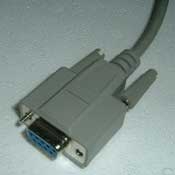
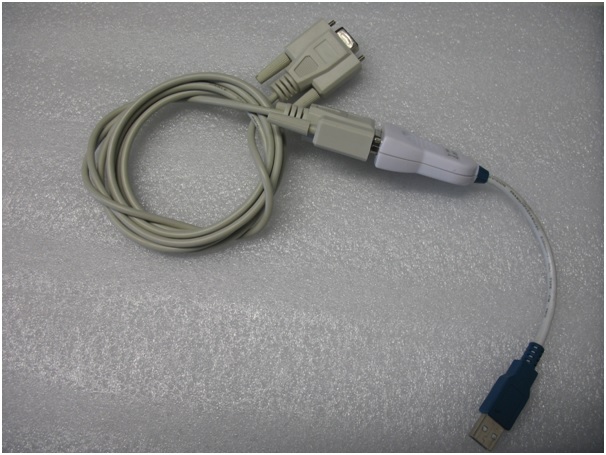
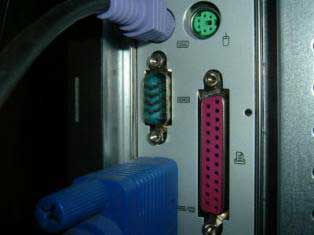
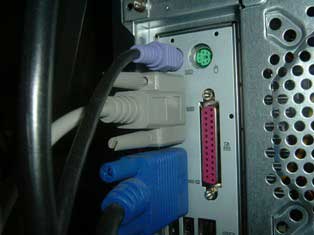
Step 1: connect your DASH2, using a serial cable, into the "serial port" on the back of your PC using the cable supplied by Race Technology. Alternatively if a serial port connection is not present on the computer in use, you can use a USB to serial adaptor.
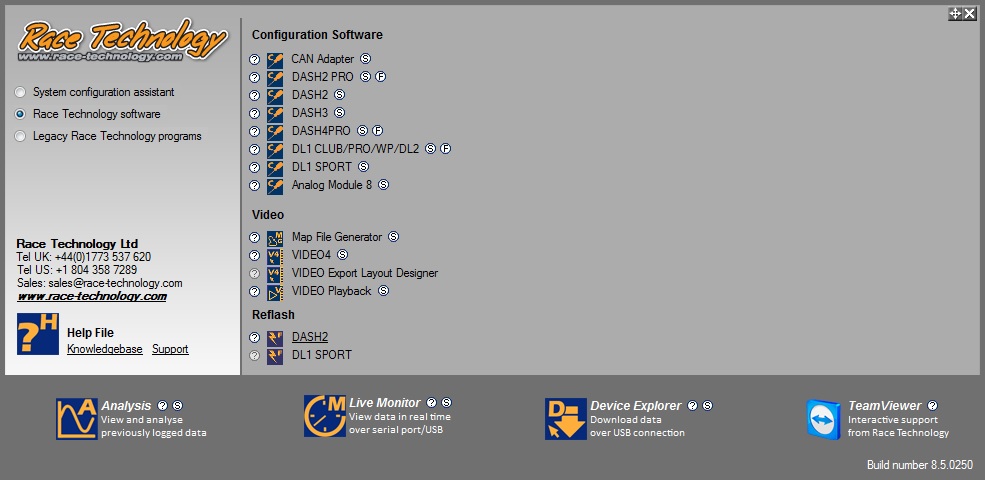
Step 2: Open the Race Technology program launcher, find the reflash section and select DASH2. (Note that the look of the menus depends on the configuration of your PC and the version of Race Technology software currently downloaded.)
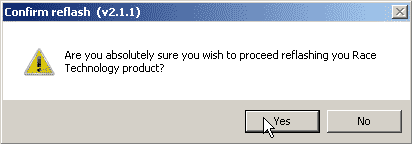
Step 3: You will now be asked if you are absolutely sure that you want to re-flash. If you are, click "Yes".
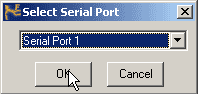
Step 4: Select the serial port that you wish to use.
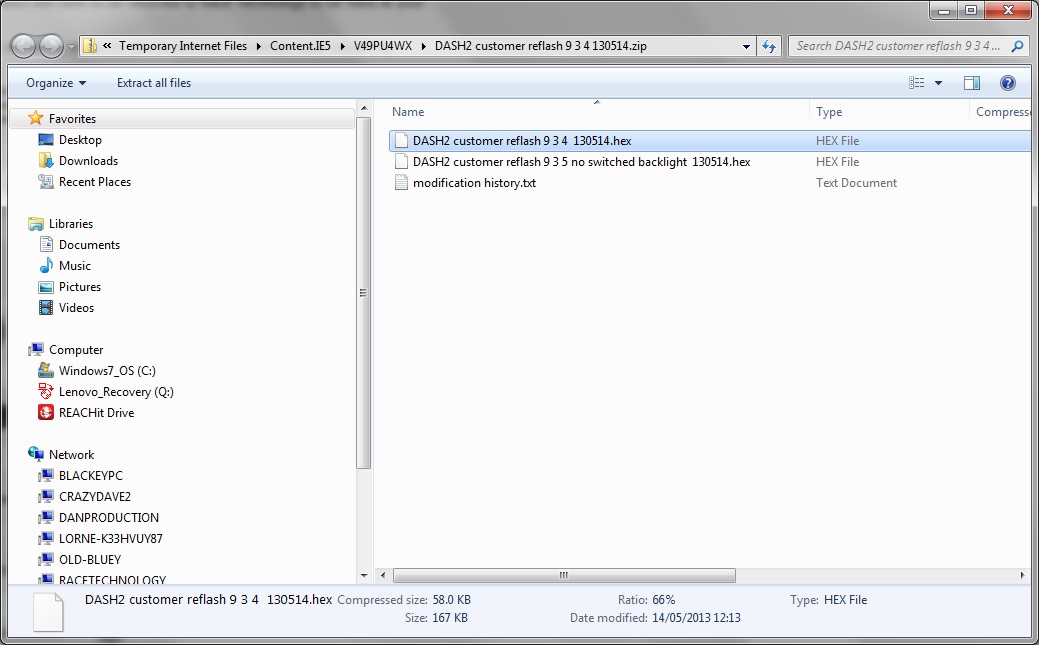
Step 5: Download the latest reflash file for the DASH2 (9.3.4) from the Race Technology website, rename the file to: DASH.hex and open this file when prompted.
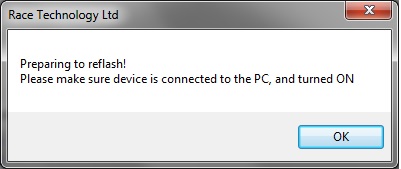
Step 6: You must now ensure the power to your DASH2 is on and the unit is connected to the computer. When you have done so, click "OK" to confirm.
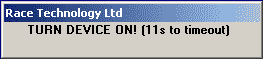
Step 7: You will now have twenty seconds to turn the DASH2 on and connect it to the computer, if you have not done so already.
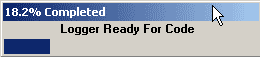
Step 8: As soon as the DASH2 is powered and connected to the computer, the software will detect that the DASH2 is present and the re-flash will begin.
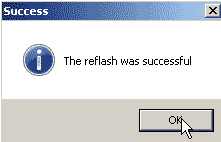
Step 9: When the re-flash is successful, a window will appear. Press "OK"
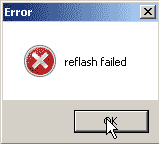
Step 10: If, however, the re-flash is not successful, the following window will appear:
IIf the re-flash fails, turn off the power from the DASH2 and then turn it back on again. The screen will not display sensible values as the internal software is invalid - however it is in no way damaged. In this state the DASH2 is simply waiting for a re-flash, so repeat the process as above
 My basket |
Checkout |
Add to email list
My basket |
Checkout |
Add to email list




 Edit
Edit History
 Print
Print Download (.HTML)
 PDF
PDF