Start a new design
There are two ways to start a new design
1. Staring a new design with the resolution of current design window
1. From the Advanced overlay editor file menu, select File -> New Layout
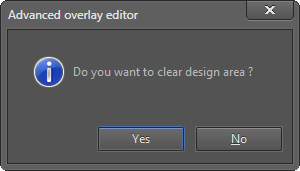
2. A dialog box will be displayed asking whether you want to clear the design area.
If you want to continue without saving the current design (controls and property configuration, groups, and custom property definitions), Press the OK button.
3. Blank design window will be opened with the resolution you used in the last design.
4. Make sure you save your design before exiting the application.
2. Staring a new design with a different resolution
1. Select the resolution of the overlay you are going to design by using View -> WVGA (800x480) or View -> HD 1080p (1920x1080) commands
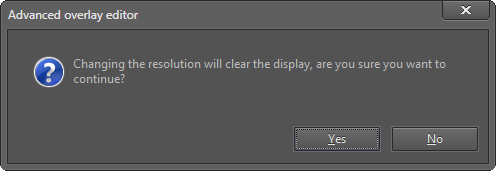
2. A dialog box will be displayed asking whether you want to clear the design area. Press ok button if you want to continue without saving controls and property configuration, groups, and custom property definitions you added to the current design.
3. A blank design window with the selected resolution will be opened.
4. Make sure you save your design before exiting the application.
 My basket |
Checkout |
Add to email list
My basket |
Checkout |
Add to email list




 Edit
Edit History
 Print
Print Download (.HTML)
 PDF
PDF